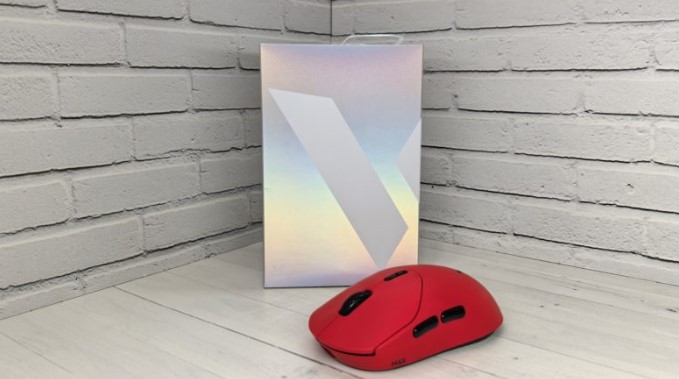
We continue our exploration of gaming accessories from Chinese company Rapoo, and in this review, we examine the new Rapoo VT2 MAX mouse, which features an ergonomic design, high performance, long battery life, and extensive customization options.
Technical specifications
- Type: gaming mouse
- Number of buttons: 8
- Sensor: optical, Pixart PAW3950 Ultimate
- Maximum resolution: 30000 dpi
- Polling rate: up to 8000 Hz
- Microprocessor: NORDIC 54L15
- Number of buttons: 8
- Backlight: no
- Tracking speed: 750 ips
- Maximum acceleration: 50 g
- Tear-off height: 0.7 – 1.7 mm
- Switches: optical, Rapoo
- Switch lifespan: 120 million clicks
- Configuration software: yes
- Connection: wired USB-C, wireless 2.4 GHz
- Battery capacity: 800 mAh
- Battery life: up to 750 hours
- Body material: plastic
- Dimensions: 126 × 63 × 40 mm (width, height, length)
- Weight: 53 g
- Color: red, pink, yellow, purple, white, black
Packaging and assembly
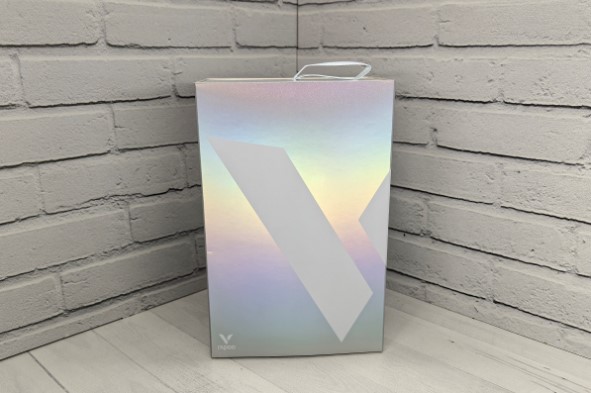
The Rapoo VT2 MAX arrives in a beautiful white box, additionally placed in a “dust jacket” with a mother-of-pearl design.
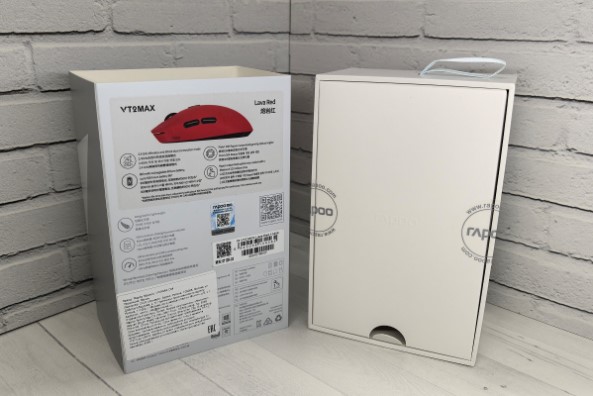
On its front side is the brand’s V-shaped logo, while on the back there is an image of the device, a partial list of specifications, and other technical information about the product.
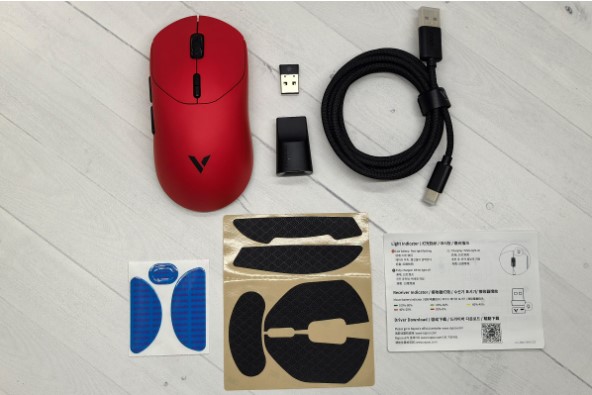
Inside the packaging, the mouse is neatly wrapped in a translucent bag and placed on a cardboard backing. Underneath is another box containing a fabric-braided USB-A to USB-C cable, a wireless adapter, a USB-C to USB-A adapter (which allows the receiver to be positioned closer to the mouse), additional Teflon feet, grips for the back and sides, and a mini-instruction manual.
Appearance
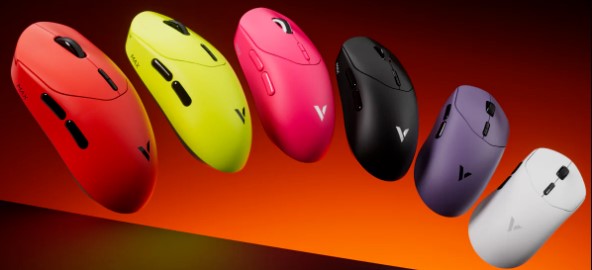
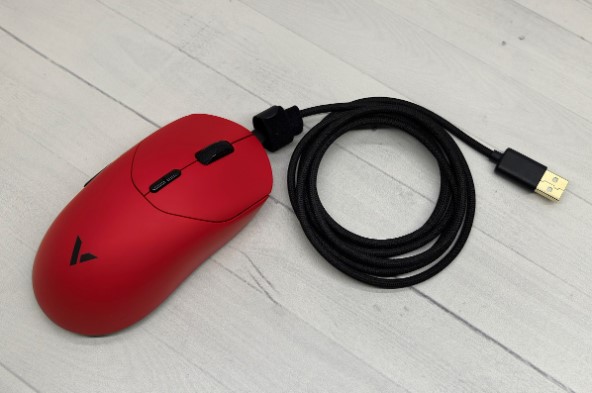
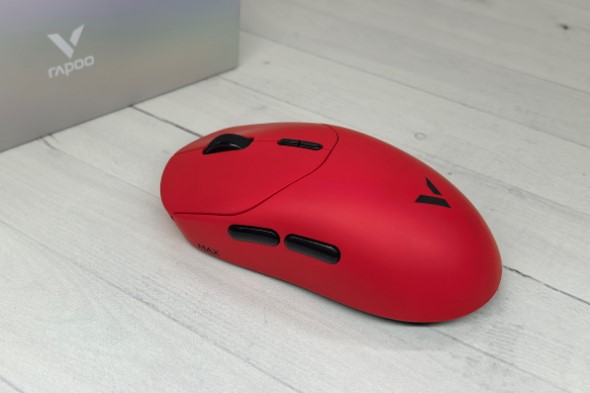
One of the Rapoo VT2 MAX’s standout features is its striking design, but don’t expect futuristic shapes or dazzling backlighting . Its distinctive feature is its six color options, including classic black and white, as well as vibrant pink, yellow, purple, and red. We reviewed the latter, and it truly looks stunning.
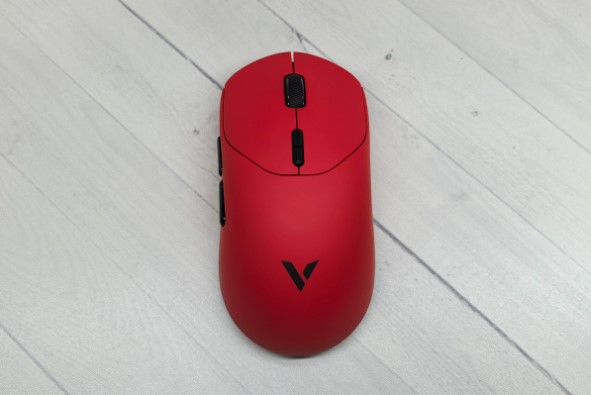
The new device’s body is made entirely of plastic. The matte surface prevents fingerprints. It’s also very grippy, ensuring a secure grip even without the included stickers.
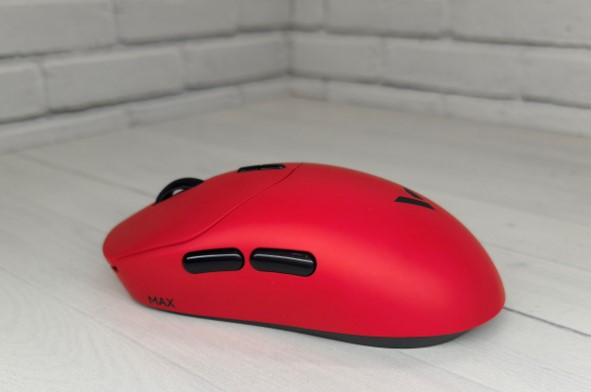
The mouse’s symmetrical shape makes it suitable for right-handed users, as the additional buttons are located on the left. Its dimensions, 126 x 63 x 40 mm, place it among the medium-sized models, while its weight is very modest at 53 grams. All this ensures a comfortable grip with any type of hand (fingers, nails, or the palm), ensuring your hand won’t feel tired even after long sessions.
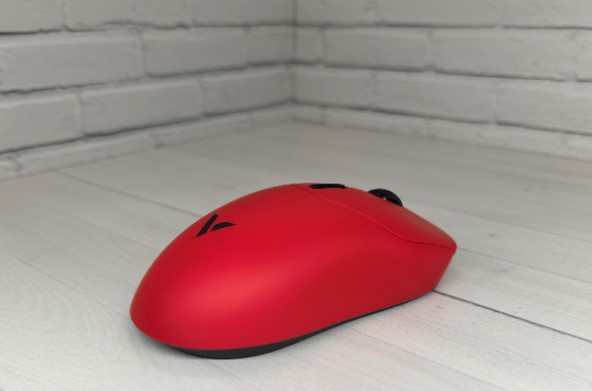
The new model features separate right- and left-click buttons. When viewed from above, they reveal small indentations for your fingers. A rubber wheel with a protector sits between them, and a pair of DPI adjustment buttons sit below them.
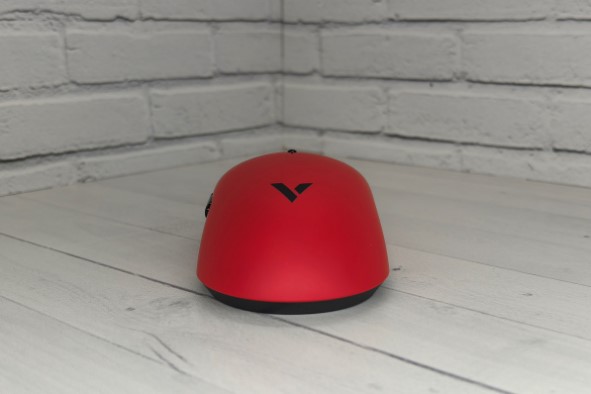
The side edges have neat indentations for your fingers. On the left, as mentioned earlier, are separate buttons that scroll by default. They’re conveniently positioned, so you don’t have to search for them by touch – your finger automatically finds the right place.
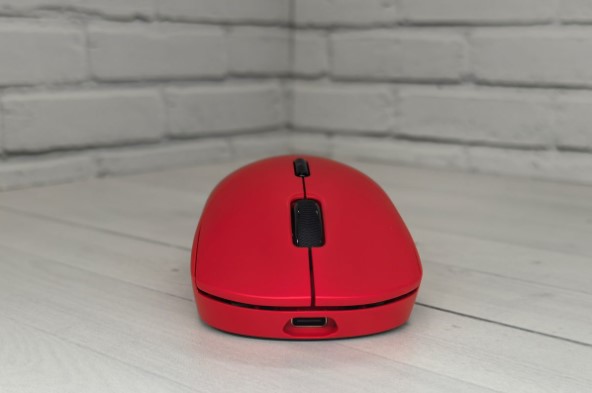
The front end is equipped with a USB-C output.
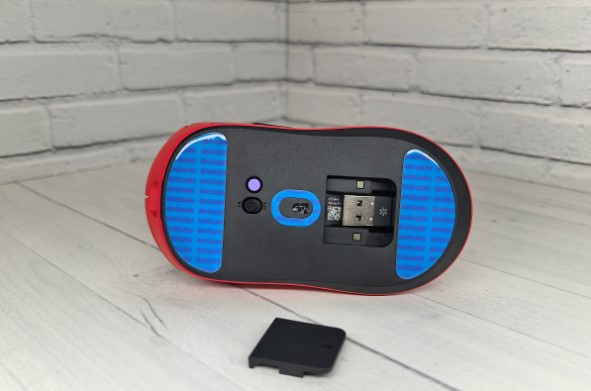
The base has three Teflon feet, which are factory-sealed with a protective film. This should be removed before use. The central part features an optical sensor, above which is an “ON/OFF” slider and a “DIY” button, which you can customize using the proprietary software. All of this is complemented by a USB dongle storage compartment with a convenient magnetic lid that can be removed by pressing on the underside.
Connection and setup
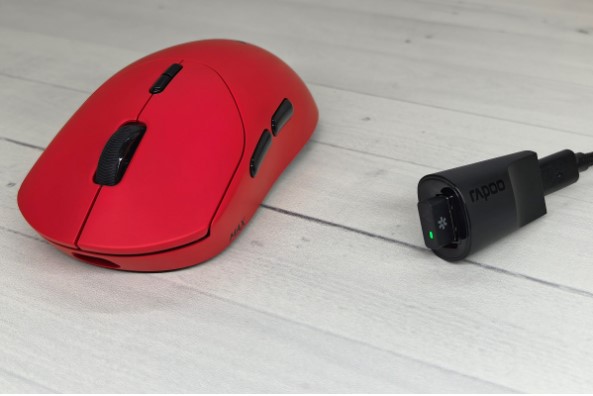
The Rapoo VT2 MAX supports two connection methods: wired with a cable or via a 2.4 GHz wireless connection with an adapter. You can also use the included adapter to move the receiver closer to the mouse. This allows for a better, interference-free connection (though the wireless connection is already excellent). Furthermore, when you need to charge the battery, you’ll have the cord readily available, saving you time searching for it.
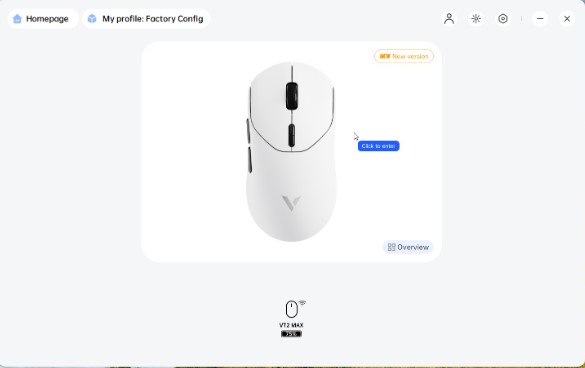
Once you connect the mouse, it will be immediately detected by the PC, and you can start working , but to access its settings, you will need to download the proprietary A HUB application from the official website in the “Downloads” section .
Immediately after turning on, you’ll see a window with an image of the mouse and the remaining battery level. There are also several buttons at the top for logging in, selecting a profile with the desired settings, and managing the utility itself.
By clicking on the mouse image, we get to its settings and see five tabs:
- DPI (DPI adjustment);
- Remap (change button functions);
- Performance (game settings);
- Parameter (settings for everyday use);
- Settings (software update, factory reset, etc.).
I covered the app in detail in my review of the Rapoo VT7 MAX, so I won’t repeat myself. Overall, the utility is user-friendly; the only drawback is the lack of a Russian language interface .
Impressions of use
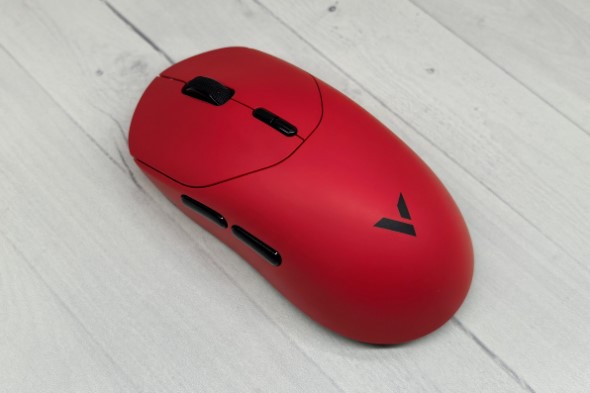
The Rapoo VT2 MAX is a striking mouse with excellent build quality, high-quality materials, and a high level of ergonomics, allowing you to use it with a fingernail or palm grip, as well as with just your fingertips. Furthermore, its excellent glide on any surface and light weight ensure your hand won’t tire even after extended use.
It also boasts eight buttons, each customizable. The manufacturer claims that the switches are Rapoo’s proprietary optical switches, which boast an incredible 120 million click lifespan. This means this device will last a very long time.
The right and left mouse buttons are fairly easy to press, while the other buttons and the scroll wheel are a bit stiffer. All buttons click in the same way: crisp and relatively loud. I wouldn’t say it’s uncomfortable, but I wouldn’t call this model a silent device. The scroll wheel rotates easily, with noticeable tactile feedback for each step.
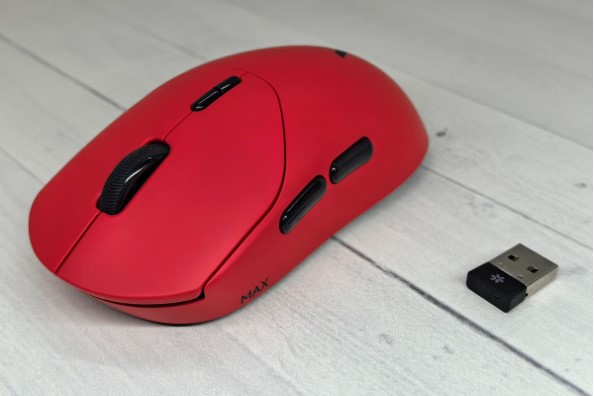
Another highlight of this new mouse is its advanced Pixart PAW3950 Ultimate optical sensor with a resolution of up to 30,000 DPI, 750 IPS tracking, and a maximum acceleration of 50 g. In other words, the mouse is incredibly accurate, fast, and responsive, making it suitable for both casual gamers and professional eSports athletes. The latter will also appreciate the user-friendly configuration software, which allows you to adjust virtually every parameter. In short, if you’re looking for a device that can be customized to your exact specifications, the Rapoo VT2 Max is the perfect choice.
In addition, the model has a high polling rate of up to 8000 Hz, which also has a positive effect on its performance.
As for battery life, it’s powered by an 800 mAh battery. Coupled with the new energy-efficient NORDIC 54L15 microprocessor, it provides 750 hours of battery life, albeit at a polling rate of 1000 Hz. Increasing the polling rate will reduce battery life, but it will still remain high.
A nice bonus is that the battery level indicator is provided not only in the app, but also on the dongle, which has an LED on the end that changes color from green to red as the battery drains.
Conclusion
The average price of the Rapoo VT2 MAX mouse at the time of writing is 4,500 rubles.
For this price, you get a device with a beautiful design, high-quality build quality, excellent ergonomics, and a comprehensive package. It also boasts high performance, extensive customization options, two connection options, excellent gliding, and a long battery life.
In my opinion, the Rapoo VT2 MAX is an excellent gaming mouse that will satisfy even the most demanding users and is suitable for any task, from work to gaming.
- Six bright colors
- Convenient form
- High-quality assembly
- Excellent glide on any surface
- Rich equipment
- High-performance sensor
- High polling rate
- Two connection methods
- Wide range of settings
- Long battery life
- The setup app is not Russified.